' cx='32' cy='32' r='32' /%3E%3Ctext x='50%25' y='55%25' dominant-baseline='middle' text-anchor='middle' fill='%23FFF' %3EBH%3C/text%3E%3C/svg%3E)

' cx='32' cy='32' r='32' /%3E%3Ctext x='50%25' y='55%25' dominant-baseline='middle' text-anchor='middle' fill='%23FFF' %3ELT%3C/text%3E%3C/svg%3E)
Hello
Thank you for your question and reaching out.
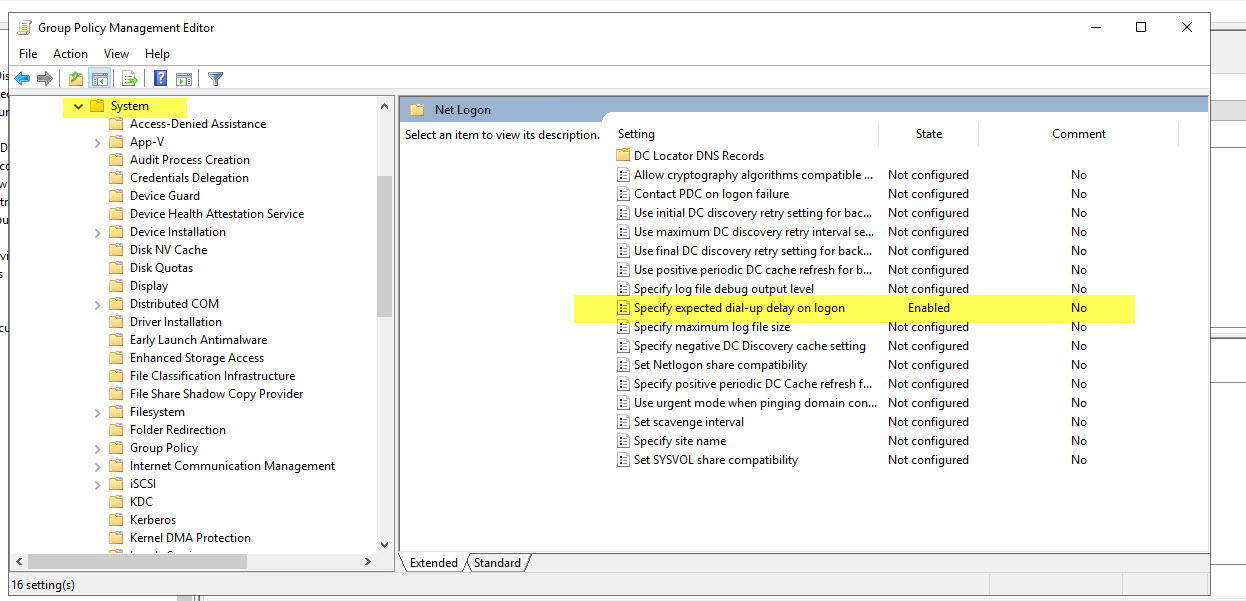
Some time you may not able to see exact GPO using gpedit.msc as they GPO versions are different on Client OS and Server OS.
In your case you can run below command to verify if the settings are applied or not on local computer
gpresult /h C:\temp\gpresult.htm
----------------------------------------------------------------------------------------------------------------------------------------------
--If the reply is helpful, please Upvote and Accept as answer--

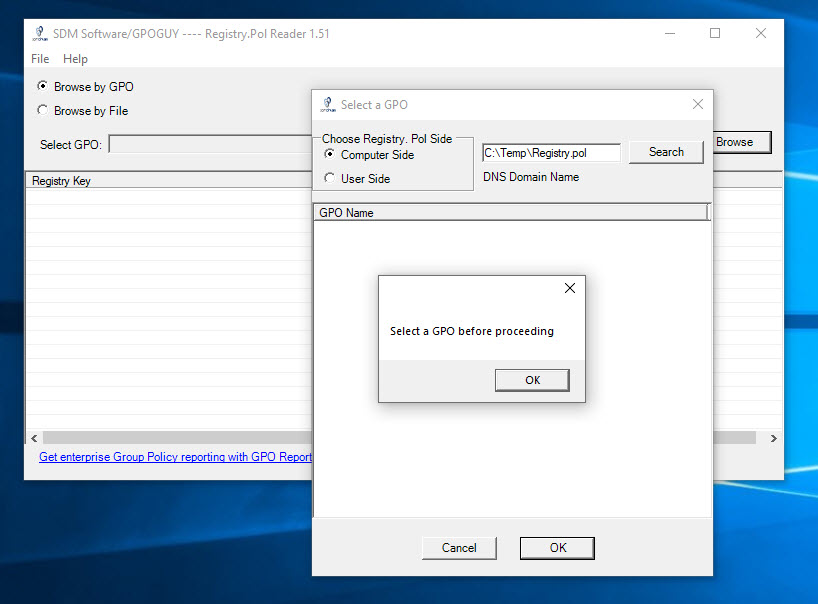 ls. I cannot find Registry.pol Reader from GPO Explorer. Does it have to run on the Windows server? I ran it on Windows Pro 10.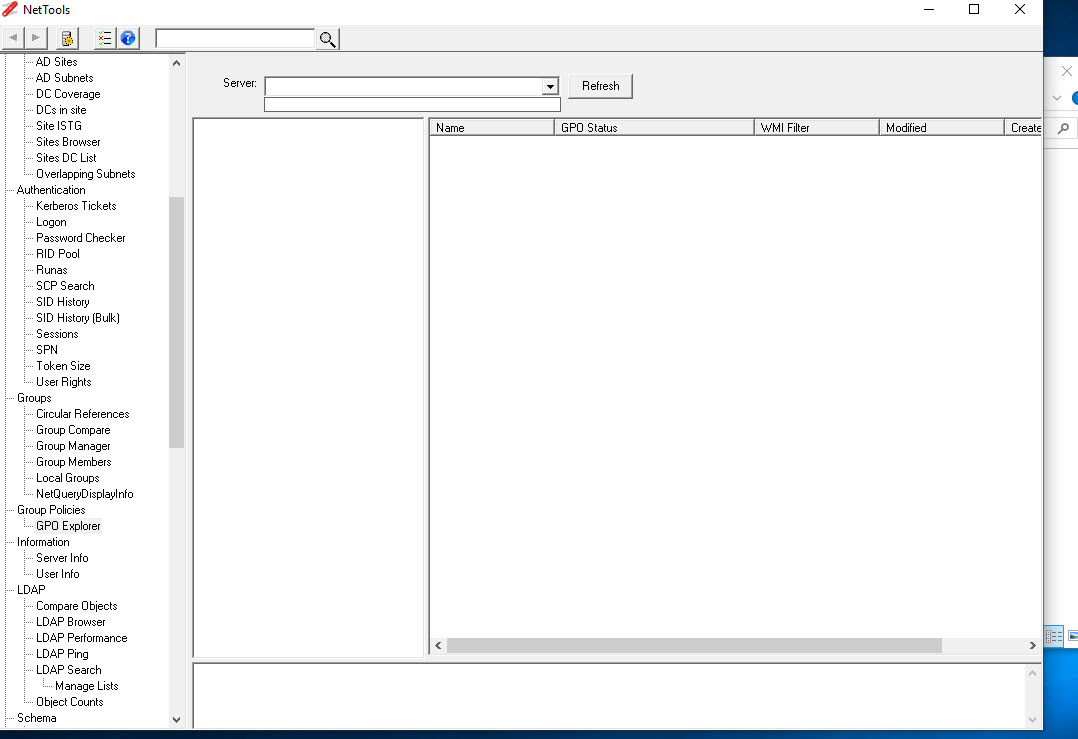
' cx='32' cy='32' r='32' /%3E%3Ctext x='50%25' y='55%25' dominant-baseline='middle' text-anchor='middle' fill='%23FFF' %3ERN%3C/text%3E%3C/svg%3E)