Note
Access to this page requires authorization. You can try signing in or changing directories.
Access to this page requires authorization. You can try changing directories.
Dynamics 365 Field Service includes basic inventory capabilities to manage technician truck stock, track asset service history, or document returns. Organizations often integrate Field Service with their Enterprise Resource Planning (ERP) systems, such as Dynamics 365 Supply Chain Management.
Because they're based on the Common Data Model and Microsoft Dataverse, you can set up a synchronous two-way integration for the following tables:
- Warehouse
- Customer Asset
- Customer Asset Category
- Payment Terms
- Ship Via
- Purchase Order
- Purchase Order Product
- Purchase Order Receipt
- Purchase Order Receipt Product
Here are a few examples of how the integration is useful.
- Asset management: When a user creates a work order for repair or maintenance on a customer asset, the integration allows dispatchers to pick from a full list of customer assets, regardless of which system it was created in.
- Nearby warehouses: Integration provides technicians with a complete list of nearby warehouses and relevant details.
- Purchase orders: A purchase order is created in Supply Chain Management; then a technician documents receipt of the products in the Field Service app while onsite at the customer's location.
Prerequisites
- To view integrated data, you need the required license and security for one system. Only a few IT administrators need access to both Dynamics 365 Field Service and Supply Chain Management. In other words, users only need a license for the interface in which they're accessing the data.
How it works
Field Service is built on Dataverse and uses dual-write to write changes between Dynamics 365 Supply Chain Management and Dataverse.
When you enable dual-write, you import a solution into Field Service that adds the fields needed to integrate the entities in each system.
For example, in Field Service, you add new fields to the warehouse entity that Supply Chain Management requires.
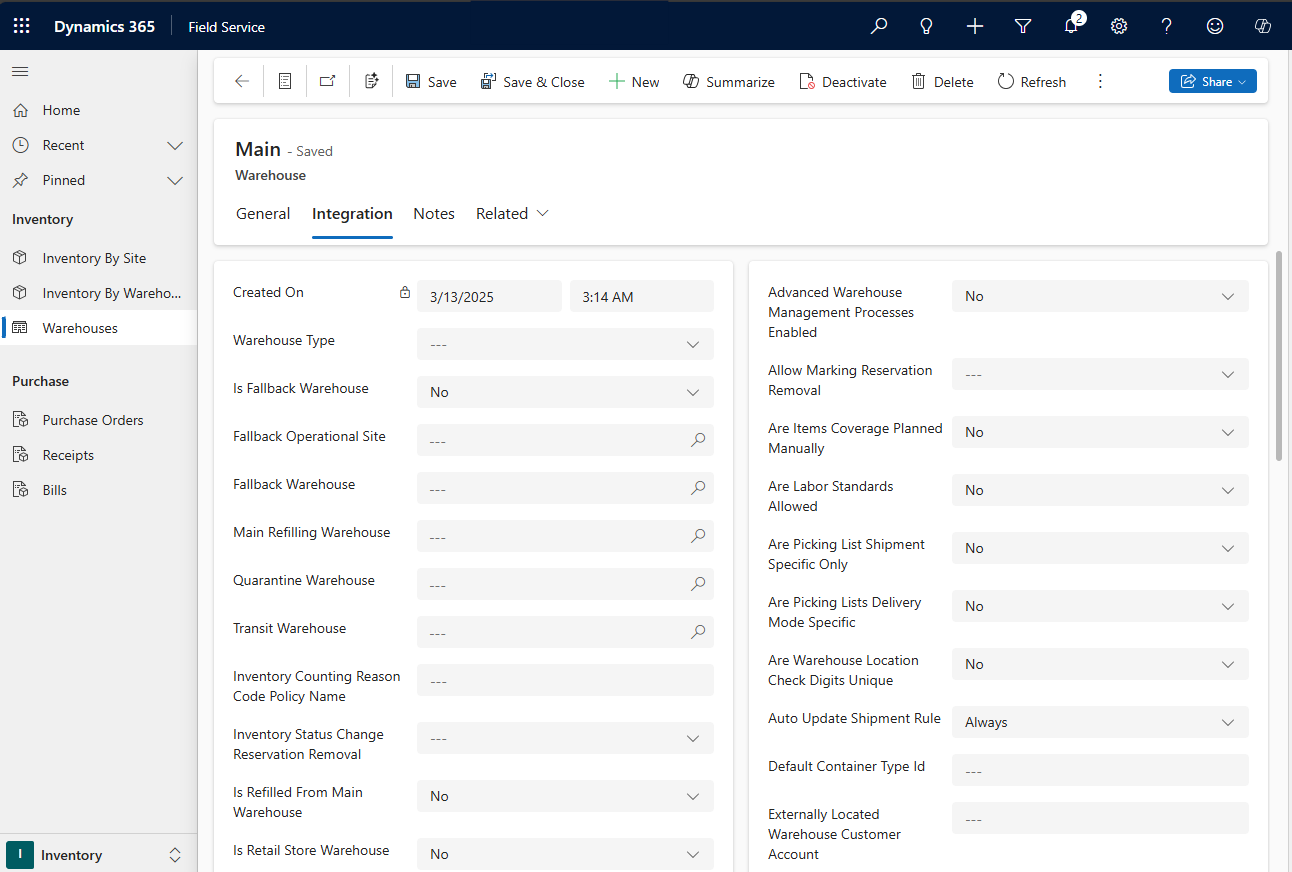
When you create or update a warehouse record in either system, the change appears in the other system in near real time.
Each system respects the business rules and validations of the other system. For example, if Supply Chain Management requires a specific field value to create a warehouse, Field Service shows an error when a user tries to create the warehouse without that value.
Purchase orders
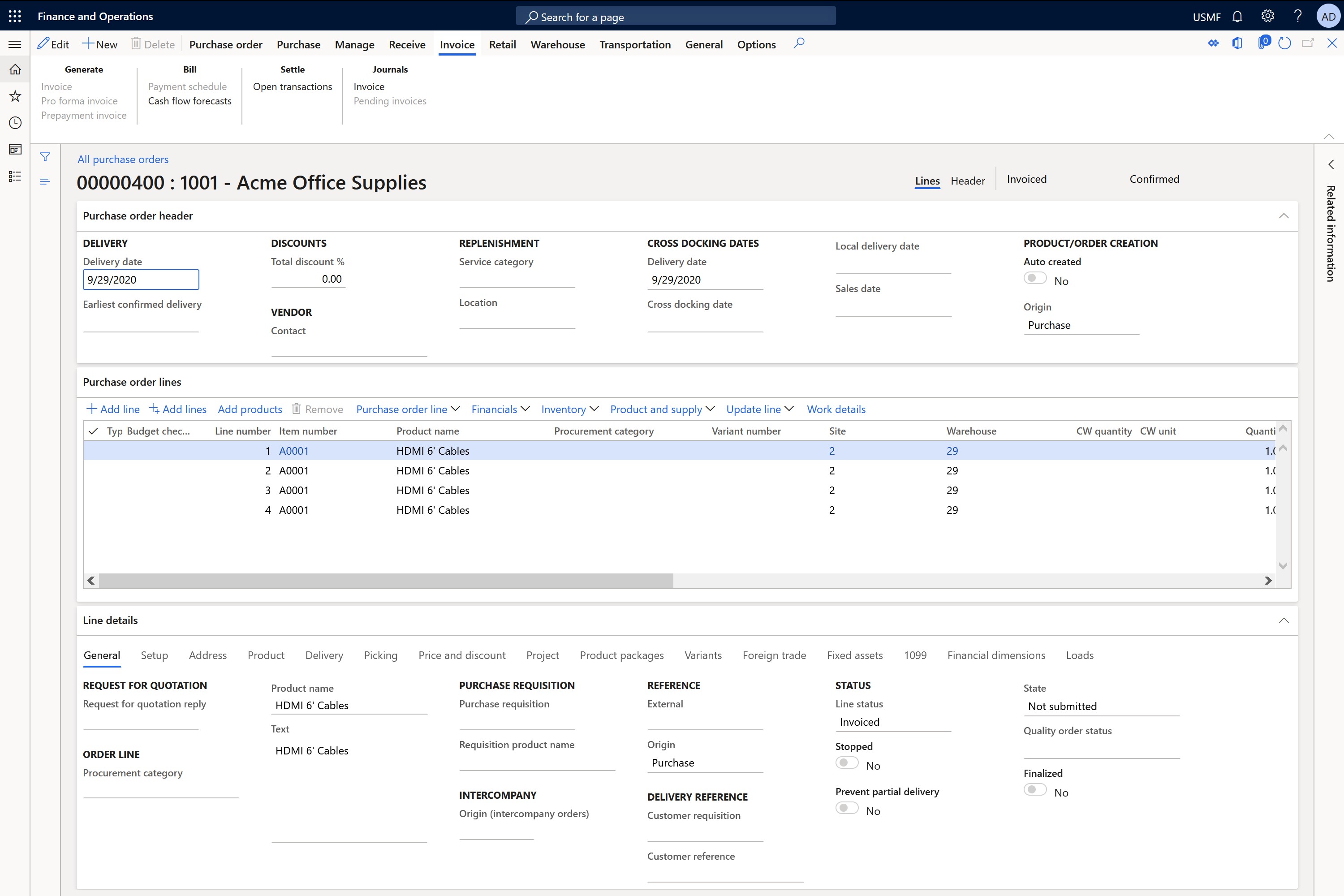
Create a purchase order in either system. In the following example, you create a purchase order in Supply Chain Management.
In dual-write, you can see the integration is running.
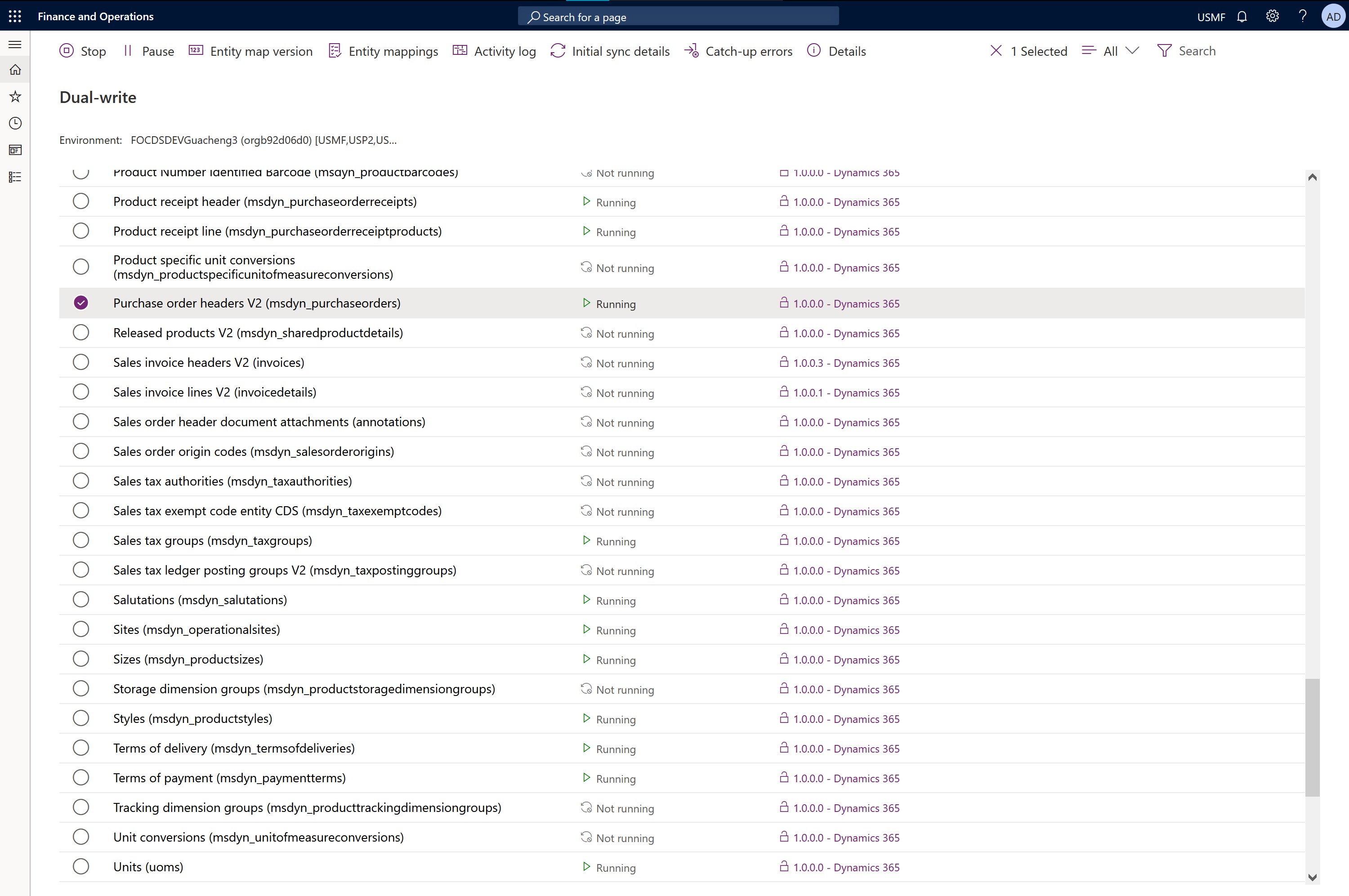
For each table in the integration, the relevant fields are mapped to the other system. The following screenshot shows the mapping between purchase orders in Supply Chain Management and purchase orders in Field Service.
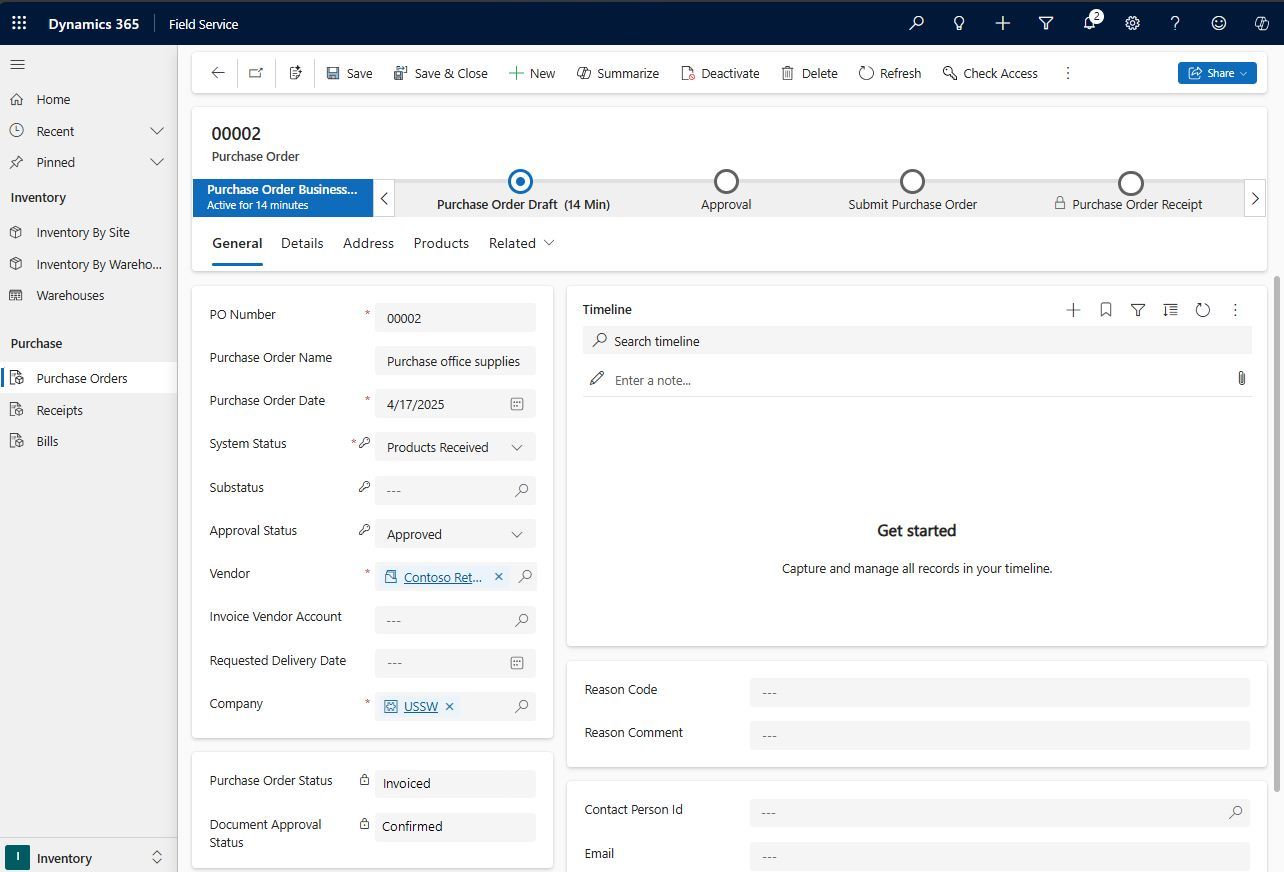
As the last part of the process, create a purchase order in Field Service with relevant information from both systems.