Note
Access to this page requires authorization. You can try signing in or changing directories.
Access to this page requires authorization. You can try changing directories.
This article explains how professional developers can create, debug, import, and add code components for model-driven apps by using Power Apps component framework and Microsoft Power Platform CLI. These components help extend visualizations in model-driven apps. You can add code components to columns, grids, and sub grids in model-driven apps.
Important
Power Apps component framework is enabled for model-driven apps by default. See Code components for canvas apps to learn how to enable Power Apps component framework for canvas apps.
Implement code components
Before you start creating code components, make sure that you have installed all the prerequisites that are required to develop components using Power Apps component framework.
The create your first code component article demonstrates the step-by-step process to create code components.
Add code components to model-driven apps
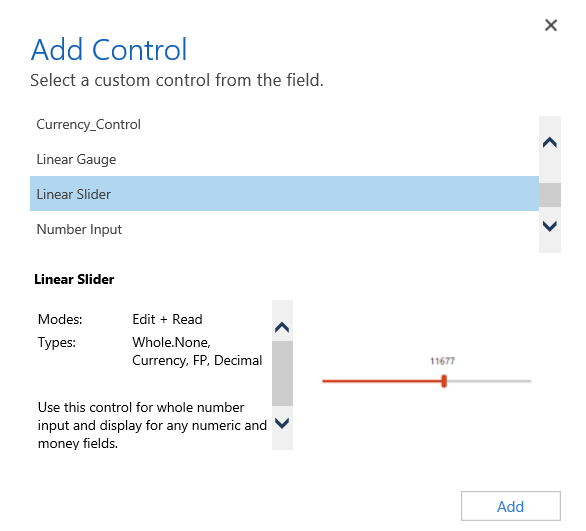
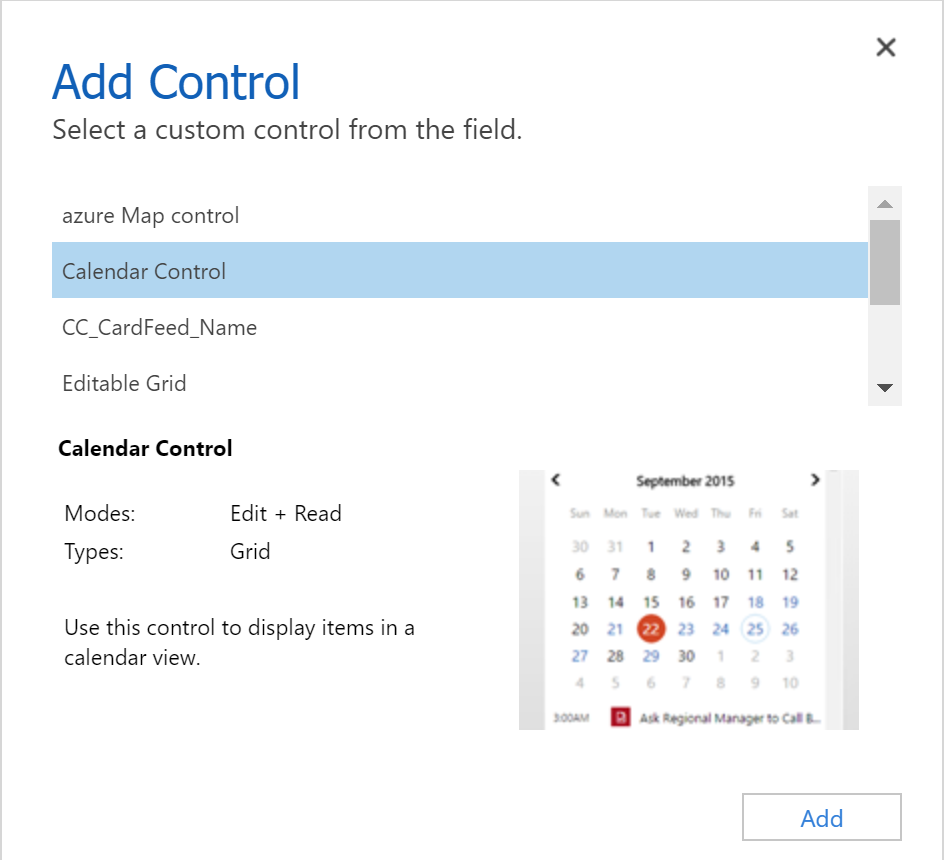
To add code components to a column or a table in model-driven apps, see Add code components to model-driven apps.
Update existing code components
Whenever you update the code components and want to see the changes in runtime, you need to bump the version property in the manifest file. It is recommended to always bump the version of the component whenever you make changes.
See also
Power Apps component framework overview
Create your first code component
Learn Power Apps component framework