Note
Access to this page requires authorization. You can try signing in or changing directories.
Access to this page requires authorization. You can try changing directories.
Important
Legal and regulatory considerations- Organizations need to evaluate potential specific legal and regulatory obligations when using any AI services and solutions, which may not be appropriate for use in every industry or scenario. Additionally, AI services or solutions are not designed for and may not be used in ways prohibited in applicable terms of service and relevant codes of conduct.
Some or all of this functionality is available as part of a preview release. The content and the functionality are subject to change.
Using the Personalized Shopping Agent is straightforward. Engage in natural‑language interactions and treat the tool as your personalized shopping assistant.
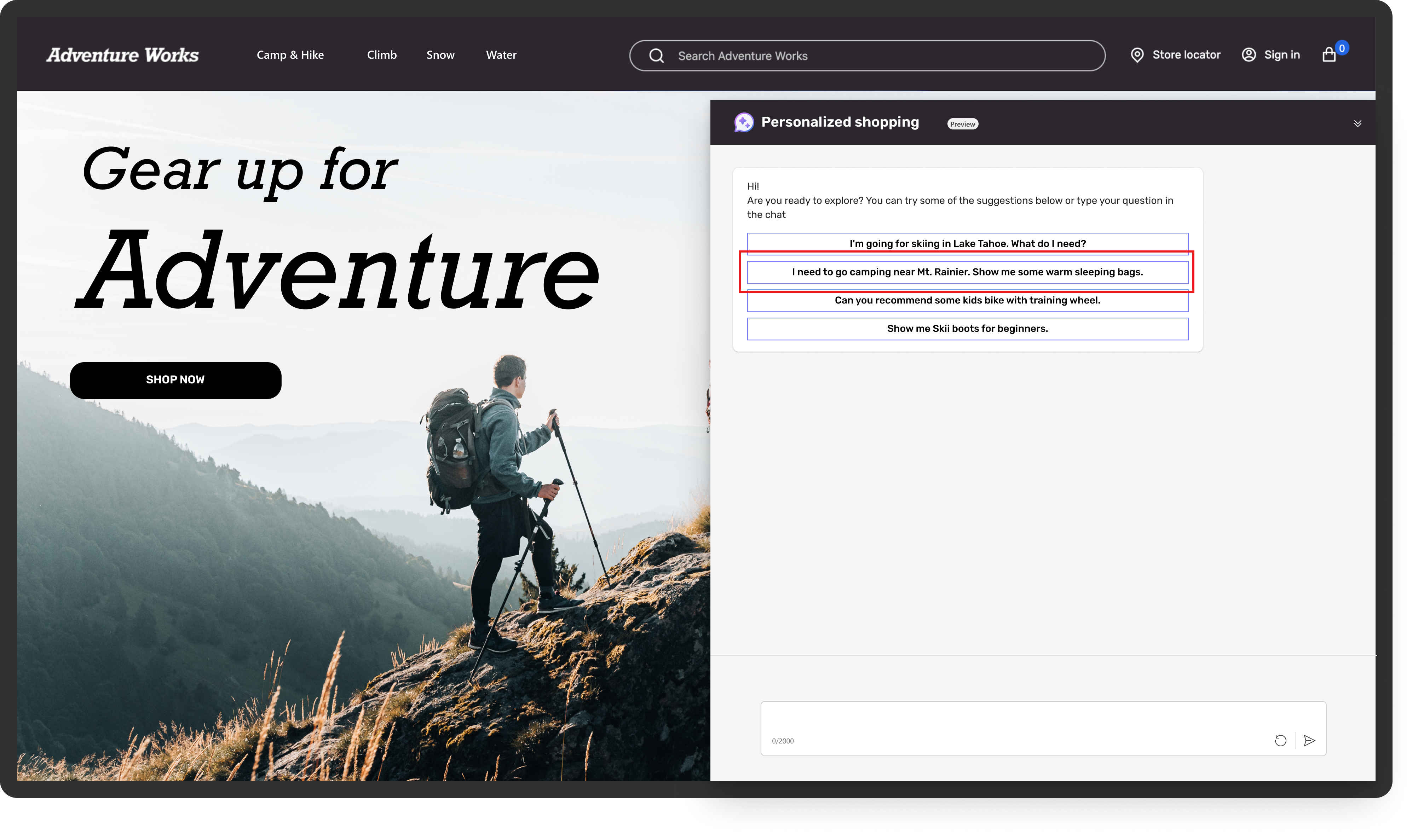
Use one of two ways and start a conversation:
- Select from a prepopulated list of questions.
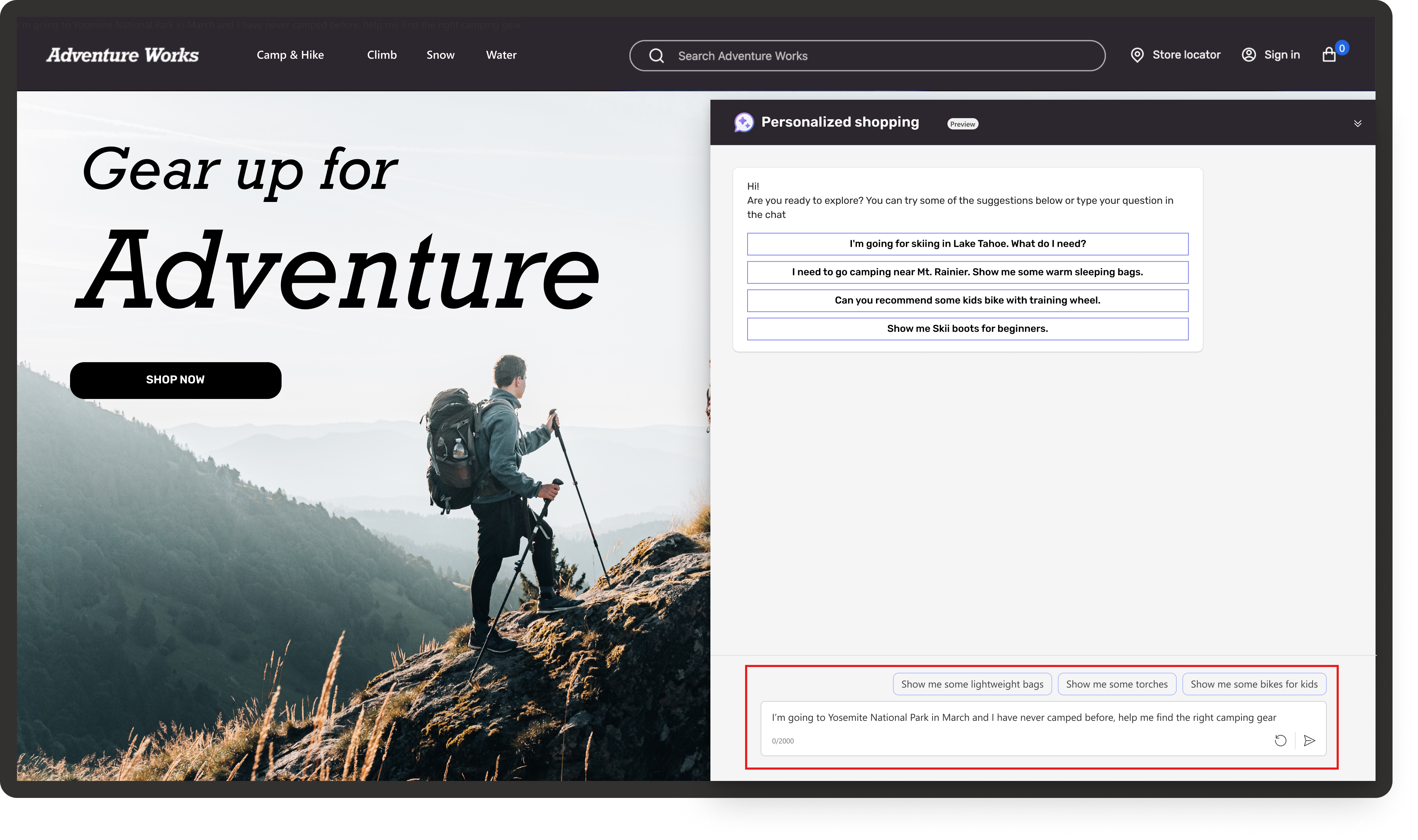
- Type your own question and start the conversation. Personalized Shopping Agent identifies intent and generates a response based on the retailer's brand guidelines. The response can include clarifying questions or a follow‑up prompt if the intent isn't clear or is broad. If the agent identifies the intent, the response includes products that align with it and a follow‑up prompt to continue the conversation with the user and guide the experience toward more refined, personalized recommendations. For many of those prompts, the agent provides quick-click response options. You can select an option to continue the dialog without typing, which speeds up interactions and improves your experience.
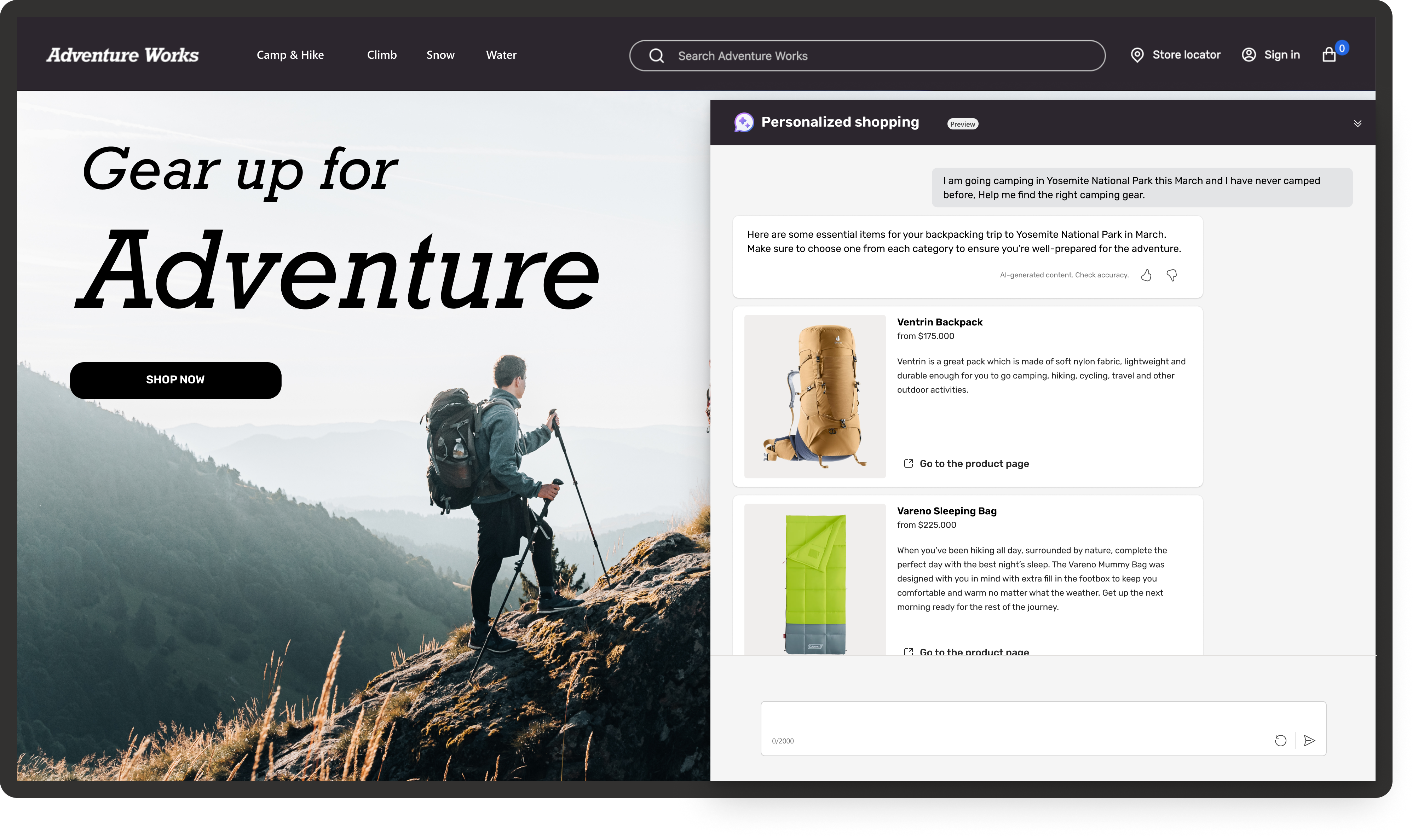
Based on your query, Personalized Shopping Agent provides a well‑aligned response. Depending on the product type and data, it also recommends related items, such as supplementary and complementary products on the product‑details view. You can view other product details or add an item to the cart for further transaction.
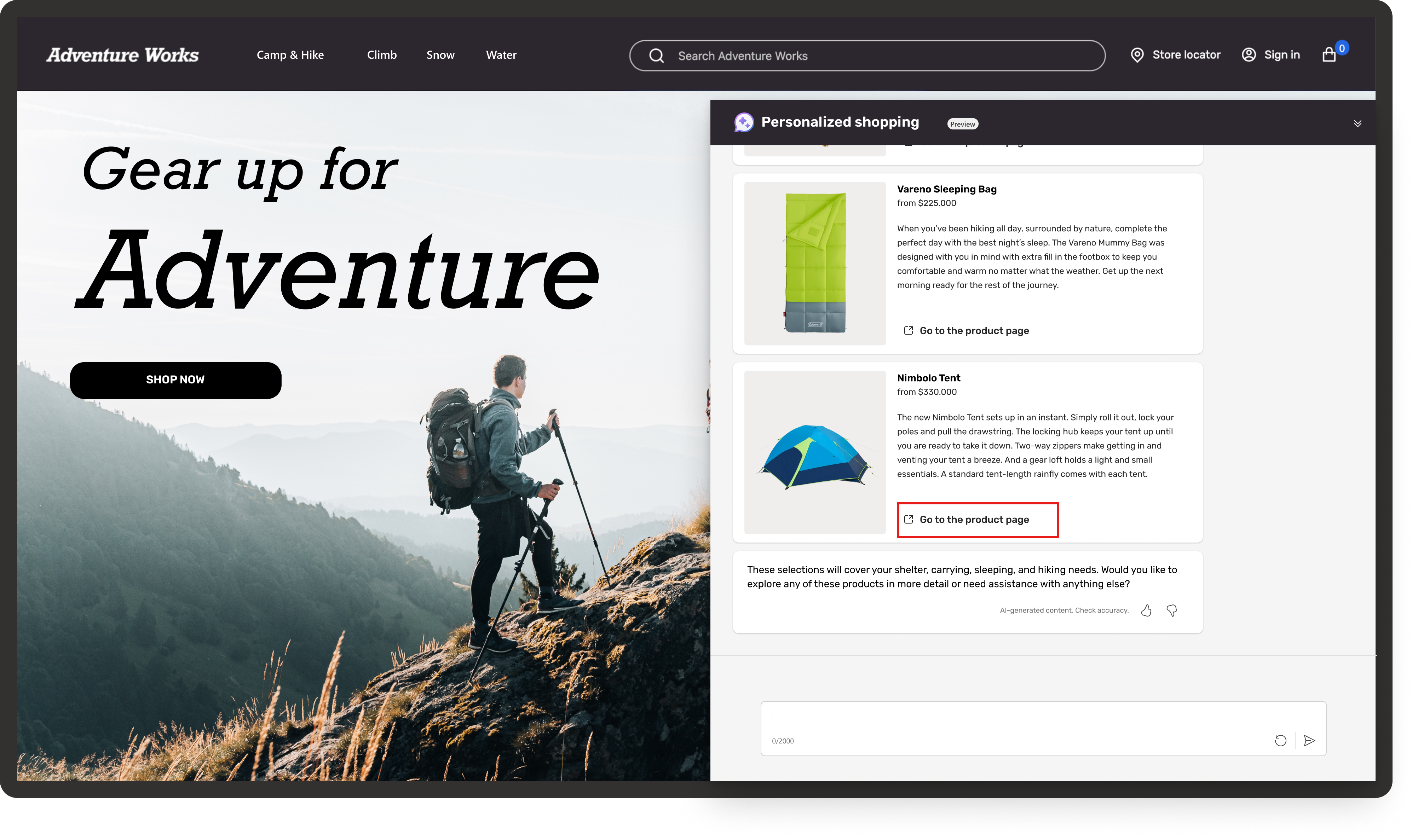
Select Go to the product page to see more product details on the website.
You can ask more queries or request a different tone for the products. For instance, you can say, “Do you offer warmer sleeping bags?” This way, you have the flexibility to guide the Personalized Shopping Agent toward your preferred style.

Personalized Shopping Agent adapts to your preferences by learning from the context of your previous queries. It presents a diverse product line featuring exciting styles and colors.


